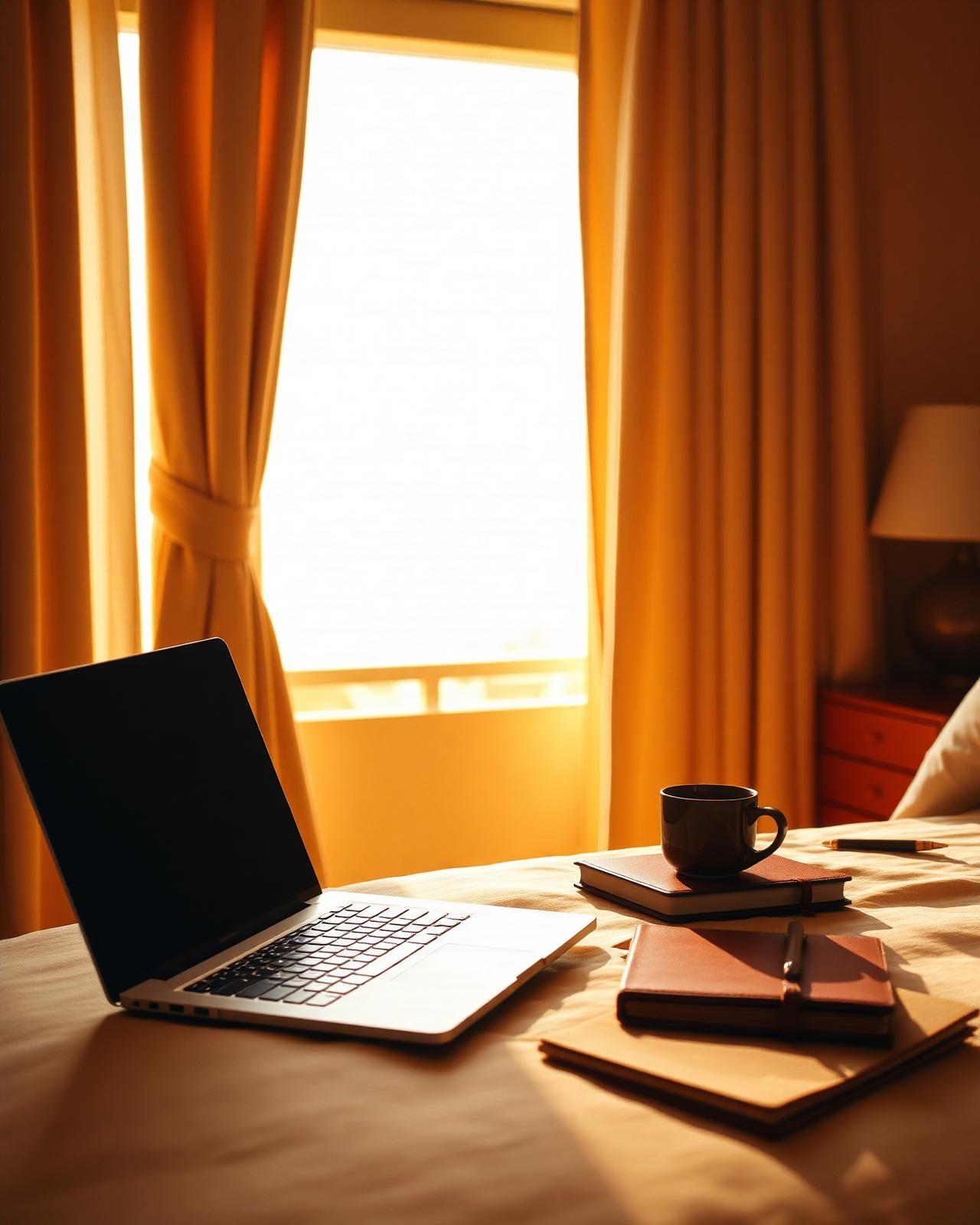
The romance of a laptop on a balcony has very little in common with the reality of opening that laptop at 7 a.m. and discovering the hotel Wi-Fi cannot hold a video call. Working well from a hotel room is not a matter of taste; it is a small civil engineering project, repeated every time you arrive somewhere new. The room arrives blank. You have roughly twenty minutes to decide whether it is going to be an office, a recovery cell, or both.
This guide is written for working travelers who stay in hotels for three to ten nights at a time and still need to deliver real work. It treats the hotel room as four very different machines depending on the type of property — and walks through what each one does well, what it does badly, and the rituals that protect focus inside it.
In this story
- The chain business hotel: predictable, ugly, reliable
- The boutique hotel: beautiful, photogenic, often wrong for work
- The heritage and historic hotel: charm at the cost of bandwidth
- The serviced apartment: the quiet winner for stays over five nights
- The first twenty minutes ritual
- Lighting, ergonomics, and the seated reality
- Checklist, carry-on setup, and bag size
- Common mistakes and how to make it feel premium
The chain business hotel
The atmosphere
Carpeted corridors, a desk no one designed with affection, and a kettle that has seen things. The chain business hotel has no opinion about you, which is exactly why it works. Nothing here is trying to be Instagrammed; everything has been engineered around the average business traveler who needs to land, work, sleep, and leave.
The good
- A real desk at the right height, with a real chair and a power socket within arm's reach.
- Wi-Fi engineered for many simultaneous video calls, often with a paid 'premium' tier that genuinely helps.
- Predictable rooms: you already know where the plug is, where the kettle lives, how the heating works.
- Reliable housekeeping windows you can plan around.
The bad
- The room is forgettable, which slowly corrodes morale on stays longer than four nights.
- Restaurants and lobbies are uninspiring; you will not want to spend evenings downstairs.
- The view, when there is one, is usually a car park or a ring road.
The boutique hotel
The atmosphere
Linen curtains, a velvet stool, a desk that is technically a console table, and one beautiful pendant lamp positioned exactly where it will glare into your screen. Boutique hotels are designed for two-night romantic stays, not for someone running a four-hour planning session at 10 a.m. Many of them are exquisite to sleep in and quietly hostile to work in.
The good
- Smaller, friendlier staff who will move furniture if you ask politely and early.
- Beautiful rooms that genuinely improve mood on shorter stays.
- Often quieter than chain hotels: fewer rooms, thicker walls, real curtains.
The bad
- Wi-Fi is frequently a domestic router serving a building it was never sized for.
- Desks are decorative — wrong height, no leg clearance, and lighting designed for atmosphere not video.
- No second monitor, no spare cables, and no business center to fall back on.
The heritage and historic hotel
The atmosphere
Thick walls, uneven floors, a phone from 1994, and a thirty-second journey from the door to any working socket. The romance is real and so is the friction. Stone buildings eat Wi-Fi signal. Period furniture was made for letter-writing, not for two-monitor workflows.
The good
- Genuine quiet — the kind that makes deep work feel almost too easy by 9 p.m.
- Great natural light in older windows, when you can wrestle the desk near one.
- A sense of place that prevents the standard hotel exhaustion of three identical lobbies in a row.
The bad
- Patchy Wi-Fi: ask for a room near the router and have a mobile hotspot ready anyway.
- Few sockets, no USB-C ports, and old wiring that does not love modern chargers.
- Antique desks are decorative — bring a small folding stand or a stack of books.
The serviced apartment
The atmosphere
A kitchen, a real sofa, an actual dining table, and a small washing machine humming in the background. Serviced apartments are not glamorous in photographs and yet, over a stay of more than five nights, they outperform almost everything else. You stop eating restaurant breakfasts at 8:30 a.m. and start working at 8:30 a.m. instead.
The good
- A dining table is a better desk than 90% of hotel desks ever will be.
- Kitchen reduces decision fatigue: same coffee, same fruit, same small lunch.
- Laundry on site collapses the 'how many shirts do I need' question.
The bad
- No reception means problems take longer to fix; bad Wi-Fi is your problem at 11 p.m.
- Cleaning is less frequent; long stays demand more personal discipline about the space.
- Often outside the central tourist core, which is good for work and bad for after-work walks.
The first twenty minutes ritual
Whatever the property type, the first twenty minutes in a new room decide the week. Resist the impulse to lie down. Walk in, put the bag at the foot of the bed, and run one quiet sequence: open the curtains, plug in the laptop, log onto Wi-Fi, and run a real one-minute video call with anyone available — a colleague, a partner, even yourself on a second device. If audio fails, if video stutters, if the call drops, you still have hotel staff awake and you can change rooms politely. Two hours later, when you discover the problem at the start of a client meeting, you cannot.
Lighting, ergonomics, and the seated reality
Most hotel desks place your screen too low and your face in a shadow. The fix is humble: raise the laptop on a foldable stand or, failing that, a hardback novel and the room-service menu. Sit facing the window when possible; if the window is behind you, close the curtain and use the bedside lamp from the front during calls. Drink water from a real glass, not the half-empty plastic bottle from yesterday's flight. These are not productivity hacks. They are the difference between finishing the day still curious and finishing it depleted.
Quick checklist for the hotel office
- Hotel chosen with a desk, a chair, and a window that opens
- Wi-Fi tested on arrival using a real video call, not a speed-test app
- Foldable laptop stand or stack of books for screen height
- Quality earbuds or headphones with a proven microphone
- Universal adapter and one extra short cable
- Backup mobile hotspot or local eSIM with enough data for two long calls
- Daily stop-work time decided before opening the laptop on day one
Essential carry-on setup
- Laptop sleeve with charger, adapter, and one short cable
- Tech pouch: earbuds, battery bank, eSIM card and SIM tool
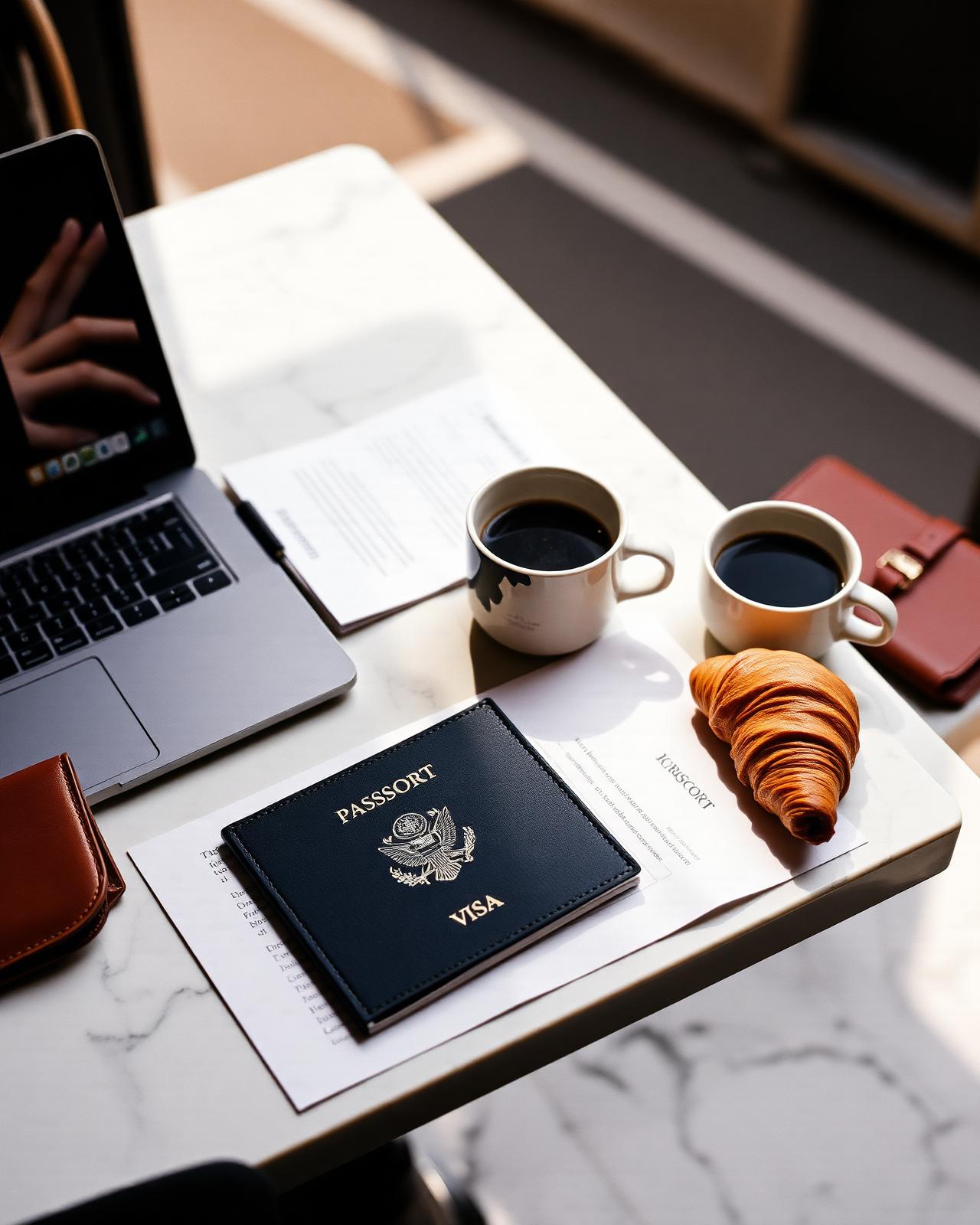
- Document folder: passport, contracts, and printed addresses
- Soft pouch: eye mask, lip balm, lozenges, and basic medication
- One light layer for cold lobbies and over-cooled offices
Recommended bag size
For one to two weeks, a 35–40 liter carry-on plus a slim 15-inch laptop sleeve is enough. Add a small fabric pouch for cables, a foldable laptop stand only if you actually use it at home, and one pair of noise-isolating earbuds. Anything beyond this either lives in your hand luggage forever or never leaves the suitcase.
Common mistakes to avoid
- Working from the bed and ending the day with no rest space left
- Trusting hotel Wi-Fi for a critical first call without testing it
- Leaving the laptop visible to housekeeping in cheaper neighborhoods
- Stacking meetings late so you miss the city you came for
How to make it feel premium
Premium remote work in hotels is the opposite of taking over the room. It is a clean desk, a single lamp, a closed suitcase, and a routine that lets housekeeping enter without disturbing anything important. The luxury is not the view from the desk. It is the absence of panic before a call, the ability to close the laptop at a real time, and the quiet certainty that tomorrow's first coffee is already arranged.
Questions, answered
Frequently asked
What kind of hotel is best for remote work?
For stays under four nights, a chain business hotel almost always wins on desk, chair, and Wi-Fi. For stays over five nights, a serviced apartment outperforms almost everything else because of the kitchen, laundry, and dining table.
How do I test hotel Wi-Fi without wasting time?
Skip the speed-test app and join a real one-minute video call as soon as you enter the room. If audio breaks or video freezes, switch rooms while reception is still staffed and apologetic, not at 7 a.m. before a client meeting.
Should I bring a portable monitor?
Only if you use one at home every day. For most travelers it is dead weight; a foldable laptop stand plus an external keyboard and mouse delivers 80% of the comfort for a fraction of the space.
Is a hotel desk really enough for long video calls?
Almost never as designed. Raise the laptop to eye level, light yourself from the front, sit on a folded towel to lift your hips, and you have effectively redesigned the desk in under a minute.

Conversation
Be the first to comment
Comments are reviewed automatically before they appear. Please keep it respectful.
Loading comments…